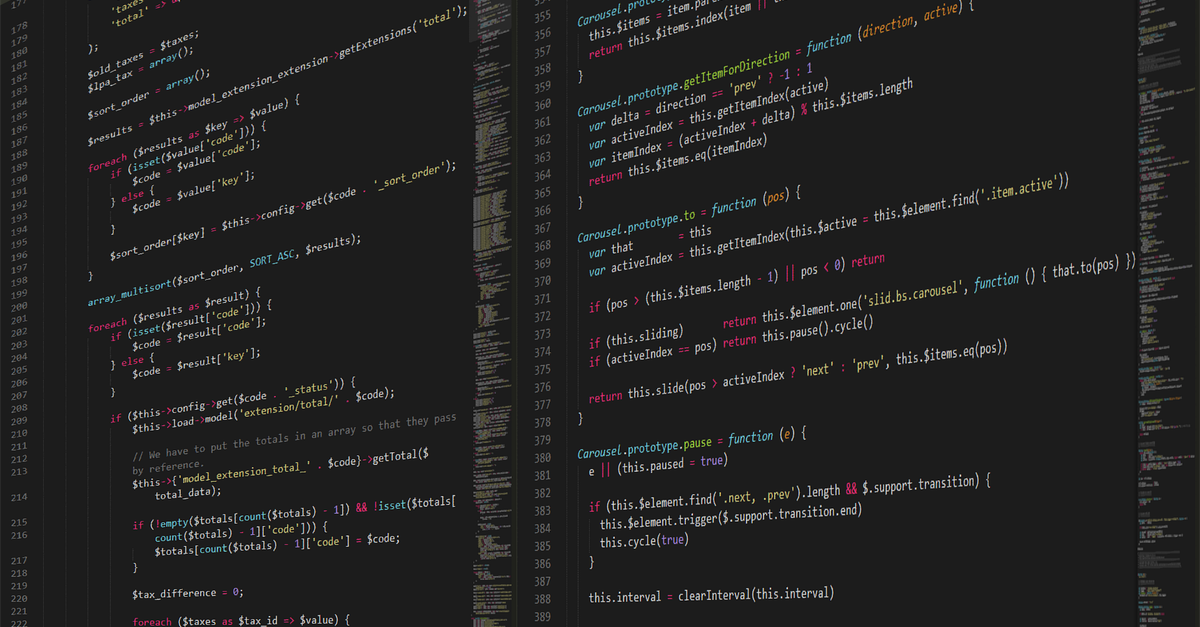
Screen with Terraform configuration files and highlighted change plan

Technical log · Terraform

Terraform with remote state: when the local backend stops working

Locking, concurrency, and teamwork on the same infrastructure

When a single person runs terraform apply, keeping the file terraform.tfstate in the project folder is convenient and bothers no one. The problem appears the day two engineers touch the same infrastructure a few hours apart: one applies a change, the other already had a plan built on the previous state and applies it on top. The result is not a clean error, it is a plan that looks valid but destroys or recreates resources that the first one had just created.

The signs that local state is no longer enough are quite recognizable. Orphaned resources appear that no one remembers creating, plans that show unexpected destruction of volumes or buckets, and "resource already exists" messages when importing something that was theoretically already managed. In small teams it often happens that someone copied the state file to their machine to "check something" and since then there have been two versions circulating. When that happens, the state stops being a source of truth and becomes just another file that is synced by hand.

The remote backend solves two things at once: it centralizes state in a single place and adds locking, that is, a lock that prevents two apply runs from running in parallel on the same state. The minimal configuration is a backend block inside the terraform block, pointing to a bucket or a storage service with locking support. Before moving the file you have to make a copy, run terraform init -migrate-state and confirm that the subsequent plan still shows exactly the same changes as before the migration. If the plan changes, something was read incorrectly and it is best to stop.

An overlooked detail: locking does not replace the discipline of reviewing the plan. A remote backend prevents two people from stepping on the same state, but it does not prevent someone from applying a change they did not review. The pre-migration checklist includes verifying that there is no apply in progress, that the local state is up to date, that sensitive variables are not hardcoded in the file, and that the chosen backend has versioning enabled so you can roll back if something goes wrong.

Before moving anything, it is worth putting in writing what is meant by remote state and what is not. These clarifications are not rules of the backend or the provider: they are the ones we use on the team so that two people do not apply different changes to the same infrastructure on the same day.

Terraform with remote state: when the local backend stops being useful

Remote state is not a backupA remote backend stores the state file and coordinates locking, but it does not replace a versioned backup. If the bucket or the database becomes corrupted, the subsequent plan does not rebuild what already existed. Before moving the file, it is worth having a copy of the current tfstate outside the repository and knowing how to return to it.

Locking does not prevent design conflictsLocking prevents two applies from running at the same time on the same state, but it does not prevent two different branches from defining the same resource with different names. That problem is solved by reviewing the plan and the module organization, not by changing the backend.

A workspace is not an environmentSeparating environments by workspace works as long as resources do not share identifiers. When production and staging start referencing the same network or the same bucket, isolation breaks down. In that case, it is better to separate by directory and dedicated state, not by workspace.

The reviewed plan is the only valid sourceA plan that looks good locally can destroy resources if the remote state has become outdated. After migrating, you must run terraform plan against the new backend and compare it line by line with the previous plan. If unexpected destroys appear, the apply is stopped and investigated before continuing.

Versioned modules do not guarantee reproducibilityPinning the module version helps, but if the input variables resolve differently depending on the environment, the result changes anyway. Variables without defaults and unused outputs are often the reason a module works in testing and fails in production.

Migration is not a one-time changeMoving state to a remote backend is an operational change that affects the entire team. You need to announce the window, freeze applies during the migration, and verify the first plan after the change before anyone else touches the infrastructure.

Terraform with remote state: when the local backend stops working

Buckingham Cloud does not sign off on made-up names. What gets published here comes from a team of engineers who work with production infrastructure every day and who would rather show the configuration snippet than the promise. When an entry talks about migrating Terraform state to a remote backend, there is someone behind it who has already broken a plan by having the local file on two machines at once.

The log is independent and unsponsored. There are no decorative profiles or bios assembled for the occasion: if a topic is covered, it is because someone on the team touched it in a real environment and noted what failed, what had to be reverted, and what check was missing before the apply.

Editorial role

Platform engineering

Whoever writes about remote backends, locking, and concurrency is the same person handling the plan that gets stepped on at 3 p.m. on a Tuesday. The Terraform notes come from there, not from a manual.

Editorial role

SRE and operations

The warnings about orphaned resources and accidentally shared states come from real on-call shifts. The symptom, the cause, and the prior verification are documented, in that order.

Editorial role

Backend development

The modules, variables, and outputs are reviewed by whoever consumes them from the service. If a module works in testing and fails when applied, the difference is reported without embellishment.

How we work

No sponsorship, with snippets

Each entry includes configuration, dashboard screenshots, and tool comparisons. We do not publish paid comparisons or conclusions we have not verified in our own environment.

Screen with Terraform configuration files and highlighted change plan

Terraform with remote state: when the local backend stops working

Terminal with terraform plan output and resources marked for change Plan before migrating

Plan output with resources that should not move

Dashboard with run metrics and state locks Locks and concurrency

Dashboard showing an active lock on the same state

Remote backend in use

Diagram of how two operators write to the same state

Screenshot of a CI/CD pipeline with a Terraform validation stage Validation in the pipeline

Validate and plan stage running before apply

Editor with variable, output, and backend blocks declared Reference configuration

Variable blocks, outputs, and backend in a single file

This post about Terraform and remote state is published by the Buckingham Cloud editorial team, the same log that documents Kubernetes, observability, message queues, and instance costs. There is no sponsorship behind it: what is written comes from reviewing configurations, change plans, and dashboard screenshots in real production environments.

The focus is deliberately narrow. When a topic like the local Terraform backend stops working, the point is to show the concrete symptoms — overlapping plans, orphaned resources, locks nobody declared — and not a general theory about infrastructure as code. That is why each article includes configuration snippets and tool comparisons with no brand backing them.

The audience is platform teams, SREs, and backend developers who need to decide before applying a change. If you want to follow this kind of note, the weekly newsletter gathers the new posts and you can filter by tags such as networking, storage, or CI/CD.

Cookie settings

We use cookies to keep the site stable, remember basic options, and understand which pages are useful. You can accept, reject, or review the settings before continuing.